Markdown to Word Converter
Convert your Markdown files to Word documents (.docx) instantly. Free online Markdown to DOCX converter with live preview and formatting preservation.
Start Converting Now
Start using our free online Markdown to Word converter today. No signup, no installation, just instant document conversion.
Welcome to Markdown to Word Converter
This is a free online tool to convert your Markdown files to Word documents (.docx).
Features
- Real-time preview
- Support for all Markdown syntax
- Bold and italic text
- Code blocks and inline
code
Getting Started
- Type or paste your Markdown content
- Preview the formatted output
- Click "Download DOCX" to save
This converter preserves your formatting and creates professional Word documents.
Try editing this content to see the live preview in action!
Why Choose Our Markdown to Word Converter?
Convert Markdown to DOCX with professional formatting, perfect for documentation and reports.
Instant Conversion
Convert Markdown to Word documents in seconds with our fast processing engine.
Format Preservation
Headers, bold, italic, lists, and code blocks are perfectly preserved.
Privacy First
All conversion happens in your browser. Files never leave your device.
Universal Access
Works on any device with a modern browser. No installation needed.
Professional Output
Generate clean, properly formatted Word documents ready for sharing.
Full Markdown Support
Supports all standard Markdown syntax including tables and code blocks.
Always Available
Free online Markdown to Word converter available 24/7 worldwide.
Easy to Use
Simple interface with live preview. No technical knowledge required.
The Ultimate Free Online Markdown to Word Converter
Our Markdown to Word Converter is a powerful free online tool designed for developers, writers, and content creators who need to transform their Markdown documents into professionally formatted Word files. Whether you are working on technical documentation, README files, or collaborative documents, our converter delivers exceptional results every time.
The free online Markdown to DOCX converter supports all standard Markdown syntax including headers, bold and italic text, code blocks, blockquotes, and lists. With our Markdown Live Preview Online Editor, you can see exactly how your document will look before downloading, ensuring perfect formatting every time.
Unlike other converters that require software installation or account registration, our tool works entirely in your browser. This means your documents stay private and secure, never leaving your device during the conversion process.
How to Convert Markdown to Word Documents
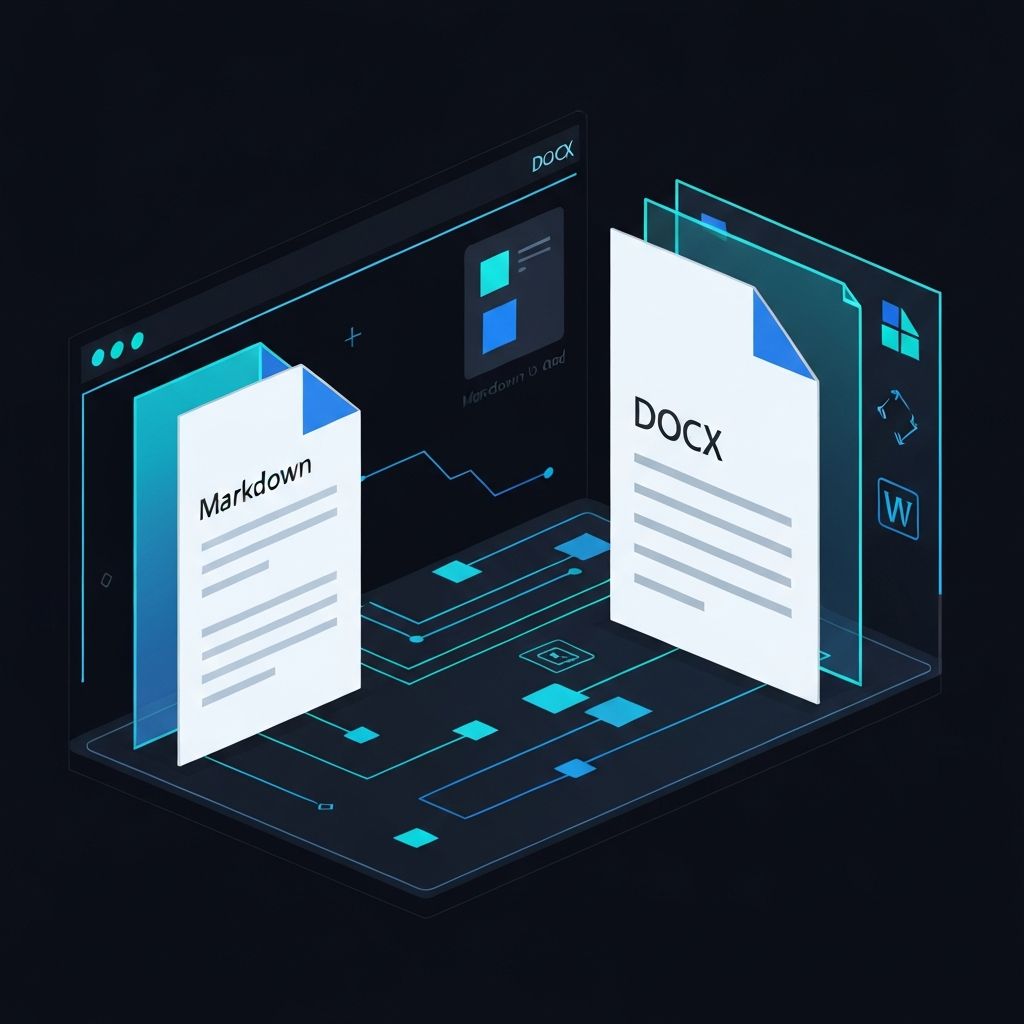
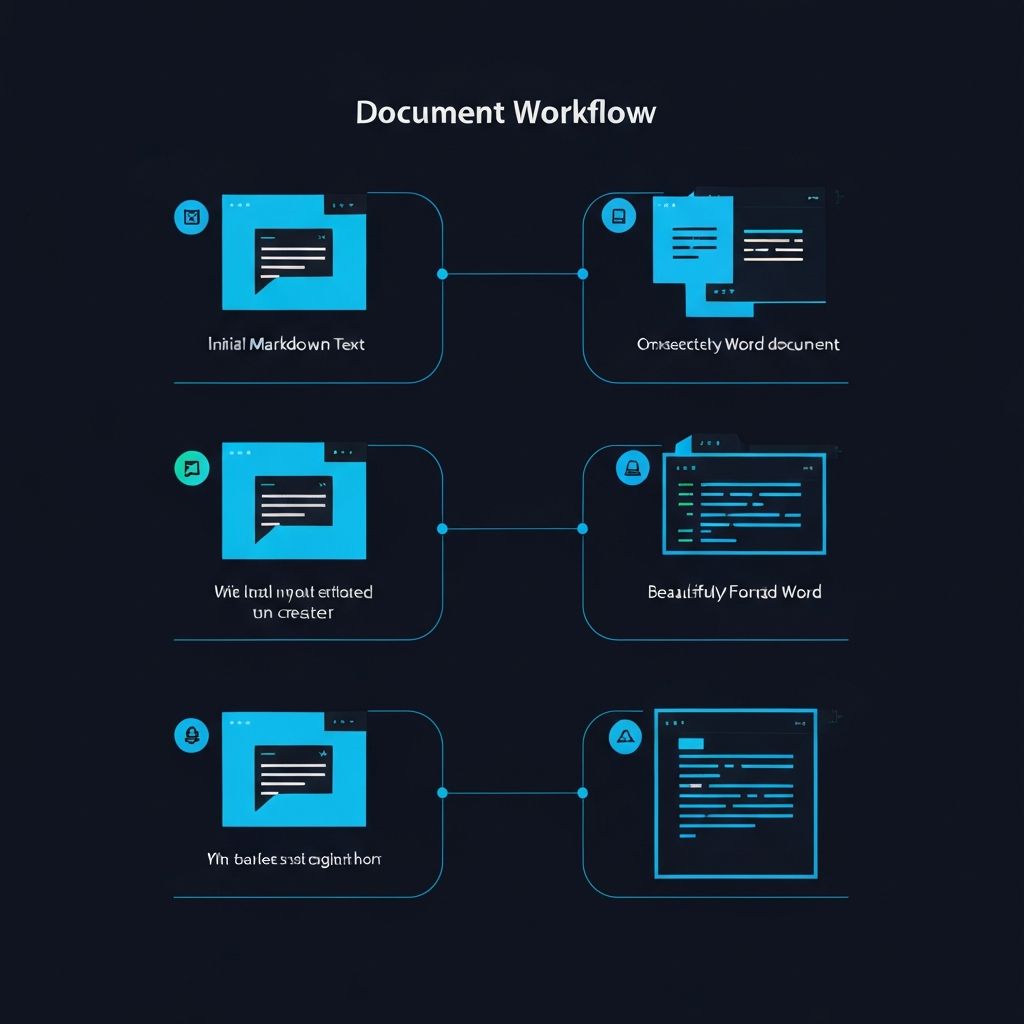
Using our Markdown to Word Converter is simple and straightforward. Start by typing or pasting your Markdown content into the editor, or upload an existing .md file from your computer. The live preview panel instantly shows how your document will appear in Word format.
Our intelligent parser recognizes all standard Markdown elements and converts them to their Word equivalents. Headers become properly styled headings, lists maintain their formatting, and code blocks are preserved with monospace fonts and background highlighting.
When you are satisfied with the preview, simply click the Download DOCX button to generate your Word document. The file is created instantly and downloaded directly to your device, ready to open in Microsoft Word, Google Docs, or any compatible word processor.
Features of Our Free Markdown to Word Converter
Complete Markdown Support
Our converter supports the full range of Markdown syntax elements. This includes all six levels of headers, bold and italic text formatting, inline and block code, ordered and unordered lists, blockquotes, horizontal rules, and links. Each element is carefully converted to maintain its semantic meaning in the resulting Word document.
Real-Time Preview
The Markdown Live Preview Online Editor shows you exactly how your document will look before you download it. Make changes to your Markdown and instantly see the results in the preview pane. This ensures your final Word document looks exactly as intended.
Privacy and Security
Your documents never leave your browser. All processing happens locally on your device using modern web technologies. We do not store, read, or transmit your content to any server. This makes our free online converter safe for sensitive documents and confidential information.
Professional Document Output
The generated Word documents follow professional formatting standards. Headers are properly styled with appropriate font sizes and weights, paragraphs have correct spacing, and code blocks use monospace fonts with subtle background shading. The result is a polished document ready for professional use.
Frequently Asked Questions
Is the Markdown to Word converter really free?
Do I need to create an account to use the converter?
What Markdown features are supported?
Is my content secure during conversion?
Can I use the generated Word documents commercially?
What is the difference between Markdown to Word and Markdown to PDF?
Ready to Convert Your Markdown to Word?
Start using our free online Markdown to Word converter today. No signup, no installation, just instant document conversion.