Open & View MD Files Instantly Online
The fastest way to open and read Markdown files in your browser. Drag & drop any .md file to view it instantly — no software installation, no signup, 100% private.
Users Trust Us
Private & Secure
File Open Speed

Powered by
Advanced Renderer
Open Your Markdown File Now
Upload any .md file to view it instantly with beautiful formatting, syntax highlighting, and full GitHub Flavored Markdown support.
Drag & Drop Your .md File Here
or click the button below to browse your files. Supports .md, .markdown, and .txt files.
Supported Markdown File Formats for Opening Online
Our free MD opener supports all common Markdown file extensions and formats. Simply upload your file and start reading instantly.
.md Files
Standard Markdown extension used by GitHub, GitLab, and most platforms
.markdown Files
Full Markdown extension commonly used in documentation projects
.txt Files
Plain text files containing Markdown syntax, fully supported
GFM Syntax
GitHub Flavored Markdown with tables, task lists, and strikethrough
Why Open MD Files with Our Free Online MD Opener?
A powerful free online tool that makes opening and reading Markdown files effortless, with professional features for developers and writers.
Instant File Opening
Open any .md file in under a second. Our optimized rendering engine processes your Markdown files instantly with zero lag.
Beautiful Live Preview
View your Markdown files rendered with GitHub-style formatting, complete with syntax highlighting, tables, and diagrams.
Lightning Fast Rendering
Experience zero-lag file viewing with our optimized Markdown parser. Even large .md files open and render instantly.
100% Private & Secure
Your files never leave your browser. All processing happens client-side — your sensitive documents stay completely private.
Cross-Platform Support
Open MD files on any device — Windows, Mac, Linux, iOS, or Android. Works perfectly in all modern browsers.
No Installation Needed
Skip the software downloads. Open and read Markdown files directly in your browser with our free online MD opener.
How to Open MD Files Online Without Software
Opening Markdown files has never been easier. Follow these three simple steps to view any .md file instantly in your browser.
Upload Your .md File
Drag and drop your Markdown file onto the upload area above, or click the 'Upload' button to browse and select a file from your device. We support .md, .markdown, and .txt files.
View Instant Preview
Your Markdown file is rendered instantly with beautiful formatting. Switch between preview-only and split view mode to see both the raw content and formatted output side by side.
Copy or Download
Copy the raw Markdown content to your clipboard, or download the file directly to your device. All processing stays private in your browser.
The Best Free Online MD Opener for Reading Markdown Files
Looking for a way to open MD files online without installing software? Our free MD Opener is the fastest and easiest solution. Whether you received a .md file via email, downloaded a README from GitHub, or need to quickly view a Markdown document, our tool lets you read Markdown files instantly right in your browser.
Unlike desktop applications that require installation and setup, our online MD file opener works on any device with a modern web browser. There's nothing to download, nothing to install, and no account to create. Simply drag and drop your .md file and start reading immediately.
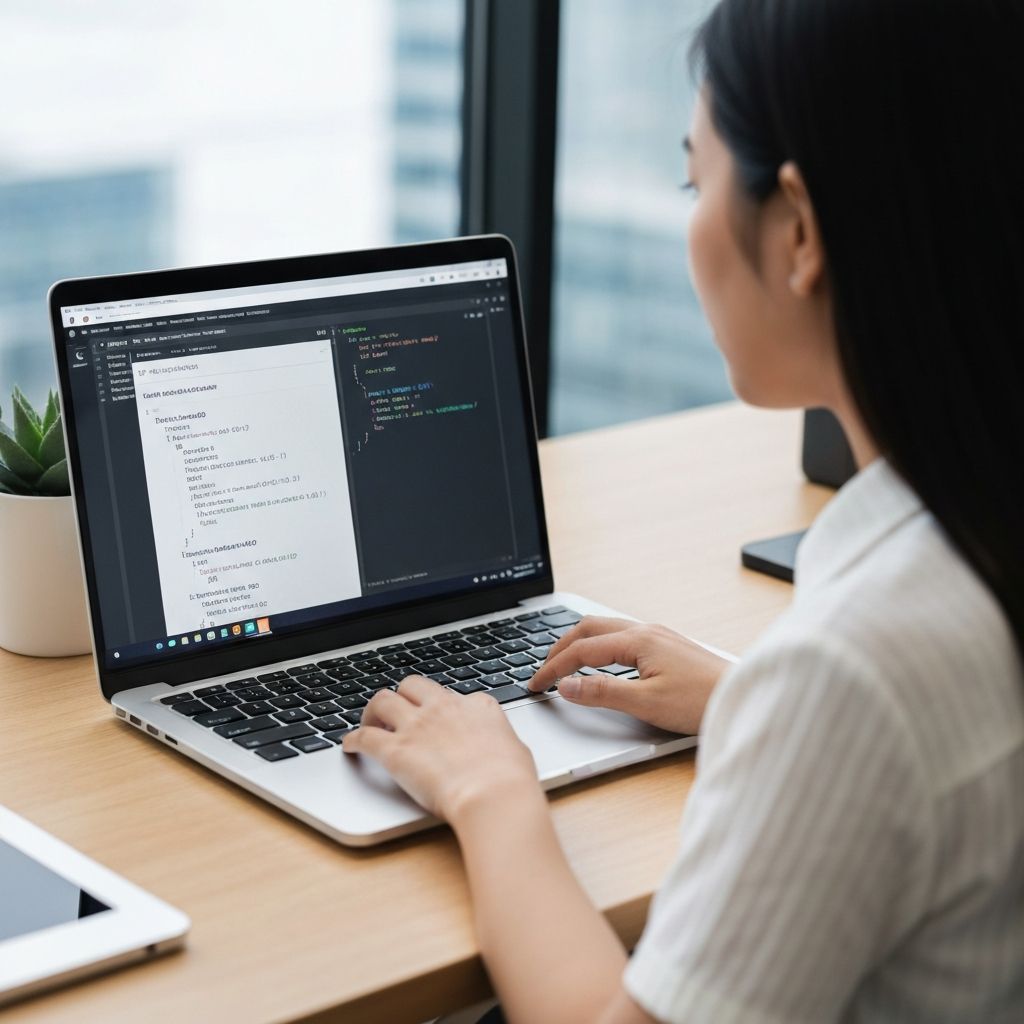
Our MD opener renders your Markdown files with beautiful formatting using the same rendering engine that powers GitHub. This means headers, bold and italic text, code blocks with syntax highlighting, tables, blockquotes, lists, and even Mermaid diagrams are all displayed perfectly — just as the author intended.
Common Use Cases for Opening MD Files Online
Our free online MD opener serves a wide range of users who need to quickly view and read Markdown files without specialized software.
When You Need an MD File Opener
- Opening GitHub README files without cloning the repository
- Reading Markdown documentation shared by colleagues
- Viewing .md email attachments on any device
- Previewing Markdown blog posts before publishing
- Reading technical documentation in Markdown format
- Checking Markdown files on shared or public computers
Why Choose Our MD Opener?
- 100% free with no hidden costs or premium tiers
- No software download or installation required
- Complete privacy — files never uploaded to servers
- Works on any device with a modern web browser
Benefits of Using a Free Online Markdown File Opener
Using an online MD opener instead of desktop software offers several key advantages for anyone who needs to read Markdown files regularly.
Zero Setup Required
No downloads, no installations, no configurations. Open your .md files instantly in any browser, on any device, from anywhere in the world.
Universal Compatibility
Whether you're on a work computer without admin rights, a shared device, or a mobile phone, our MD opener works seamlessly everywhere.
Always Up-to-Date
Our Markdown rendering engine is continuously updated to support the latest syntax features. You always get the best viewing experience without manual updates.
Frequently Asked Questions About Opening MD Files
Everything you need to know about using our free online MD opener to view and read Markdown files.
How do I open an MD file online without installing software?
Simply visit our MD Opener page, drag and drop your .md file onto the upload area, or click the Upload button to browse your files. Your Markdown file will be rendered instantly in your browser with beautiful formatting — no software installation needed.
Is this online MD opener free to use?
Yes, our MD opener is completely free with no hidden costs, no registration required, and no usage limits. You can open as many Markdown files as you need without any restrictions.
Are my files private when I open them online?
Absolutely. All file processing happens entirely in your browser using client-side JavaScript. Your Markdown files are never uploaded to our servers, ensuring your documents remain completely private and secure.
What file formats can I open with this tool?
Our MD opener supports .md (standard Markdown), .markdown (full extension), and .txt (plain text containing Markdown syntax) files. All GitHub Flavored Markdown features are supported including tables, task lists, and code blocks.
Can I open MD files on my phone or tablet?
Yes! Our MD opener is fully responsive and works on all devices including smartphones, tablets, and desktop computers. Simply open the page in your mobile browser and upload your file.
Ready to Open Your MD Files?
Start viewing your Markdown files instantly with our free online MD opener. No signup, no installation — just drag, drop, and read.